
Automatic work orders for PM services
Let Solmex raise the work order for a preventive maintenance service when it is due soon or overdue, so nothing waits for someone to remember.
A preventive maintenance (PM) service is done on a work order. Solmex can raise that work order itself as the service comes due, so nothing waits for someone to remember to raise it. The work orders land on the Work Orders list and calendar, unassigned, for a planner to assign and schedule.
Before you start
- Anyone with Preventive Maintenance: View can open the setting and see what each choice would raise.
- To change it you need Work Orders: Manage. Administrators have it.
- New companies start on When a service is due soon. Companies that were using Solmex before this setting arrived start on Off: raise them by hand, so nothing is raised until someone turns it on.
Choose when Solmex raises work orders
- In the sidebar, open Maintenance > Preventive Maintenance.
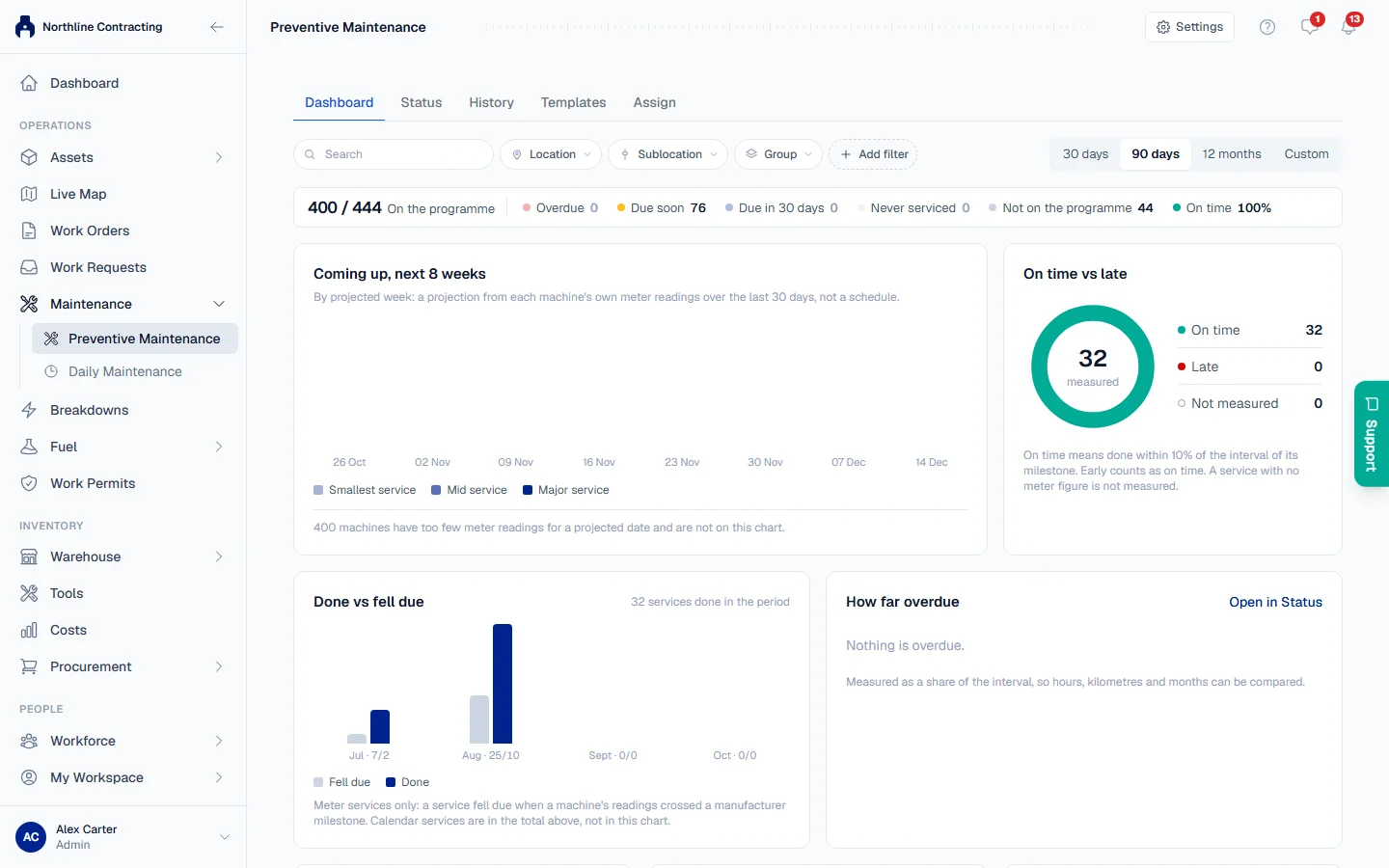
- Click Settings at the top right of the page, then Automatic work orders.
- Choose one of:
| Choice | Solmex raises a work order | |---|---| | When a service is due soon | when a service enters its due-soon window, and for every service already overdue | | When a service is overdue | only once a service has passed its due point | | Off: raise them by hand | never. Raise each one from the machine's Prev. Maintenance tab |
- Under each choice, read what it would raise right now, for example "Raises 15 work orders now (13 overdue, 2 due soon)".
- Click Save and raise 15 (the number is what your choice raises now), or Save when nothing is due.
Turning it on raises those work orders at once, and Solmex says so: "Saved. 15 work orders raised." After that it checks once an hour and raises a work order for each service that comes due. The due-soon window is the one the schedule already uses. See How PM due dates are worked out.
What an automatic work order looks like
It is an ordinary PM work order, the same as one raised by hand with Raise work order. See Do a PM service on its work order.
- Title and type: the service and the machine, for example "500H Service · BM-03", type Preventive, with the service's checklist and planned parts.
- Assigned to: nobody. A planner assigns it from the work order list.
- Priority: Medium, or High when the service is already overdue.
- Due date: for a calendar service, the day it falls due. For an hours or kilometres service, the date the machine's own meter use projects, the same projected date the Preventive Maintenance page shows. Today when the service is overdue or there is no projection.
- Its activity line says Solmex raised it, for example "Solmex raised this work order: 500H Service is due soon".
Everyone who holds Work Orders: Edit gets one notification for each run that raised something, not one per work order.
Rules worth knowing
- A due point is never raised twice. Once a service has had a work order for a due point, open, finished or cancelled, Solmex does not raise another for that point. A service that already has an open work order, for example one raised by hand early, gets no second one.
- Cancelling a PM work order skips that service. Solmex will not raise it again for the same due point. The service still reads as due or overdue on the schedule until it is done, and its next due point gets its own work order.
- A machine with no service on record is not raised for an overdue service. The dialog counts them, for example "3 machines have no service on record and are not raised. Record their last service with Import last PM." A first service coming due soon on such a machine is raised normally. See Import each machine's last PM.
- Some machines get nothing raised: machines with no PM template, and machines that are disposed of or off site.
- Turning it off stops new work orders. Work orders already raised stay as they are.
Troubleshooting
| What you see | What to do |
|---|---|
| "Nothing is due right now" under a choice | No service is due under that choice. Saving it raises nothing today; work orders follow as services come due. |
| "Only an administrator can change this." | Your role does not include Work Orders: Manage. Ask an administrator. |
| No Automatic work orders under Settings | Your role does not include Preventive Maintenance: View. |
| "Could not save. Try again." | Check your connection and save again. |
| A machine that is due has no work order | It has no service on record, it already has an open work order for that service, its work order for this due point was cancelled, or it has no template. Raise one by hand from its Prev. Maintenance tab if it is still needed. |